Blog plugin 1.1.0 / Using Blog
Read and write blogs
This page is for members: how to find blogs, write one, follow your own blogs while they wait for approval, edit or delete them, and how to like, comment on and share blogs.
Find blogs#
Last updated: 2026-11-19 · v1.1.0
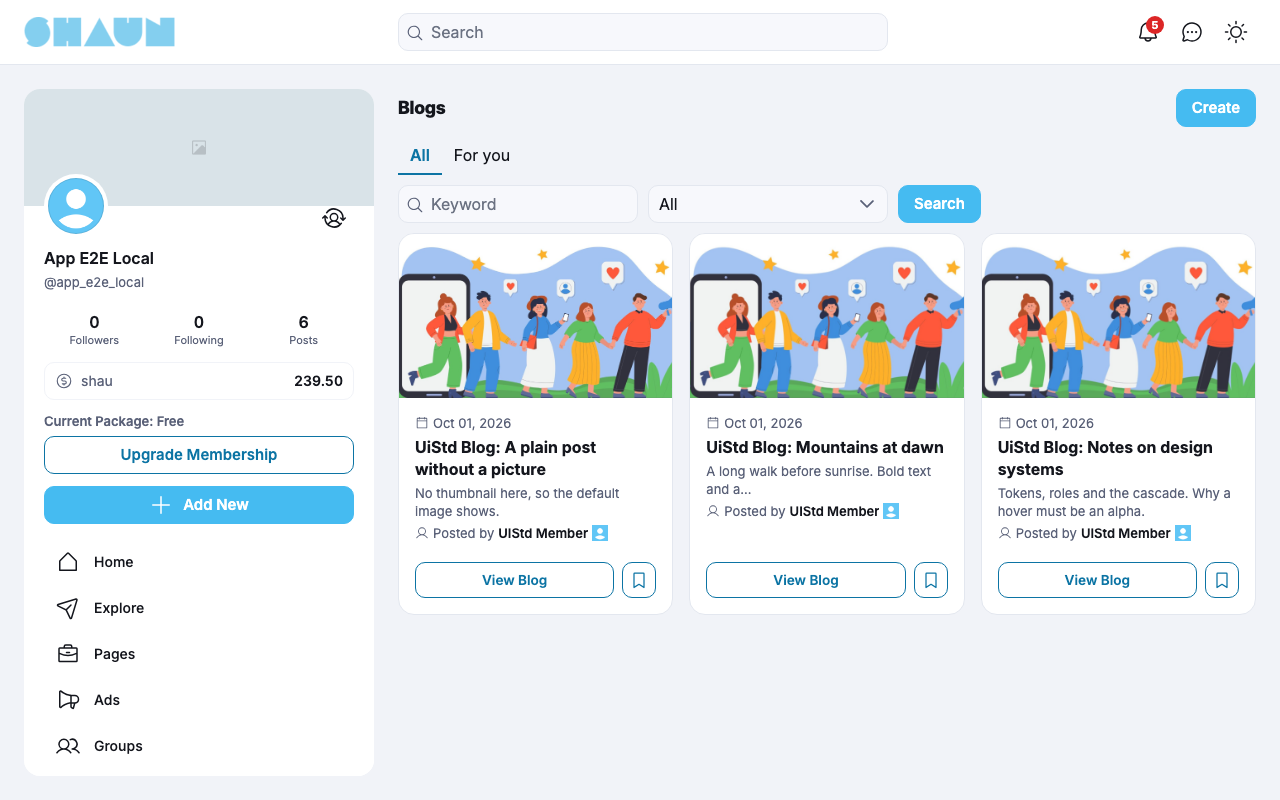
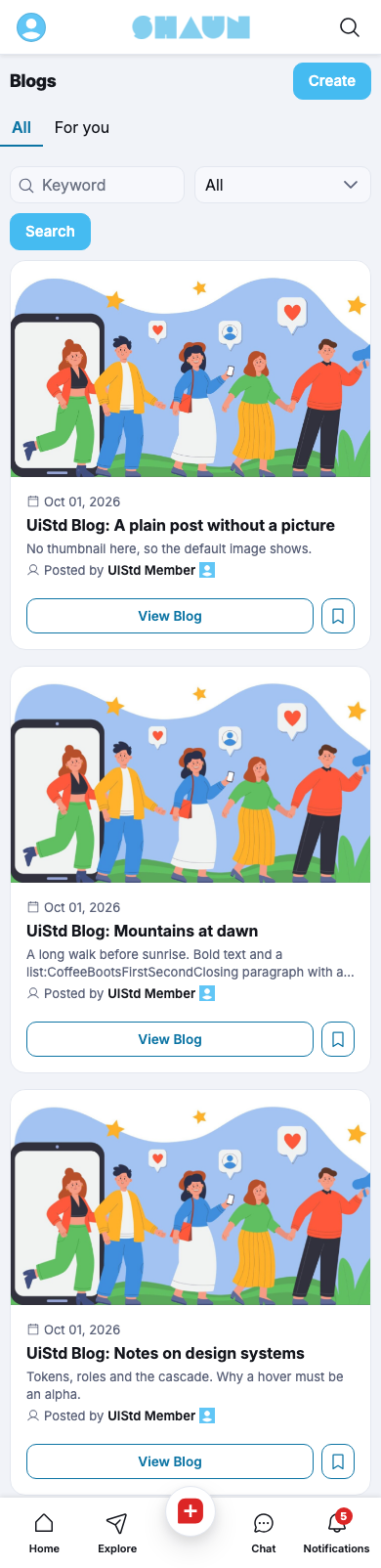
Click Blogs in the site menu. Visitors who are not signed in can read blogs too. The page has two tabs:
- All: every published blog. Search by Keyword (title and text) and Category and click Search; Clear filters resets them.
- For you (signed-in members): blogs with hashtags you follow or are interested in.
Each card shows the thumbnail, the title, "Posted by" with the writer, and View Blog, with a bookmark button. Blogs are also in a Blogs tab on members' profiles, in the site search, in your bookmarks and in your Lists (see Lists in the ShaunSocial guide).
Write a blog#
Last updated: 2026-11-19 · v1.1.0
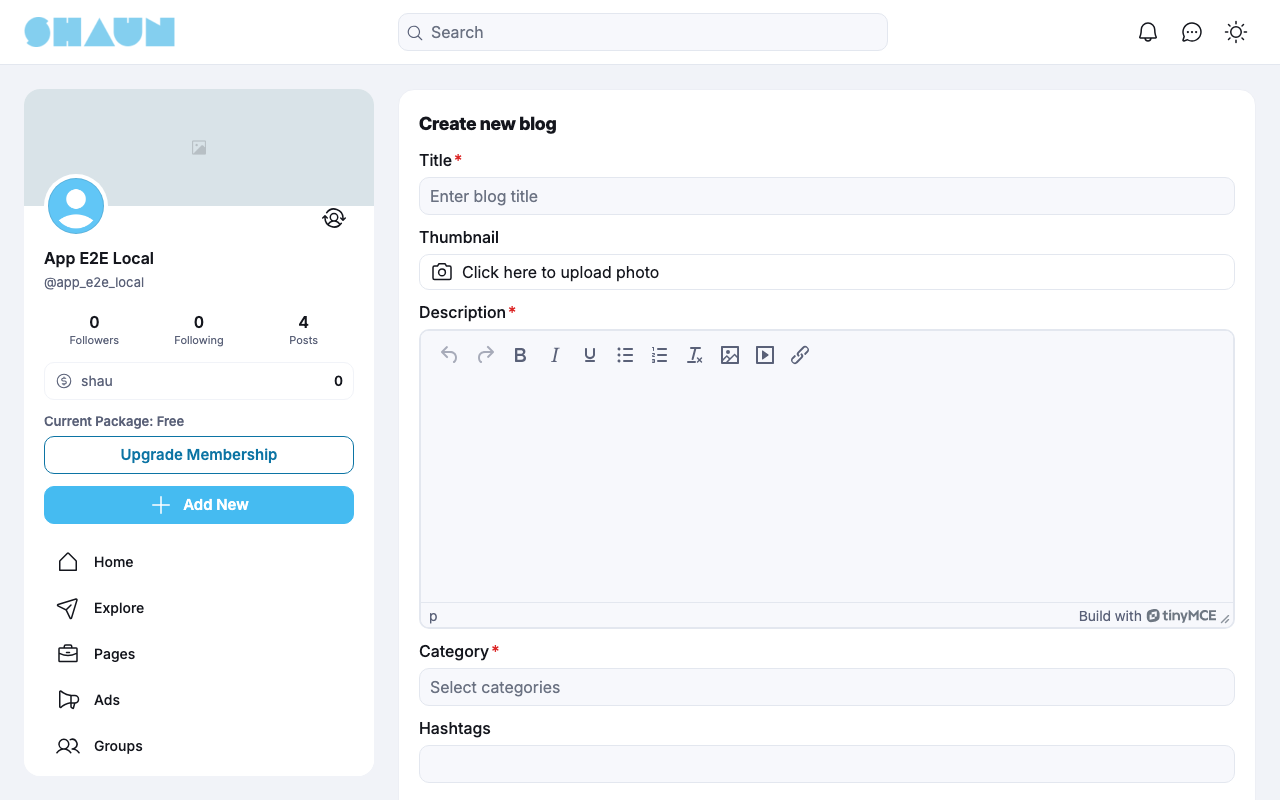
- Click Create on the Blogs page, or Blog in the site's create menu.
What you should see: the form Create new blog.
- Fill in the form:
Field What to enter Thumbnail optional: the picture at the top of your blog and on its card. Without one, the site's default picture is used Title required, up to 255 characters Description required: the text of your blog. The editor offers formatting, lists, links, pictures and embedded videos Category required: one or more of the site's blog categories Hashtags optional - Click Save.
What you should see: "Your blog has been created successfully." and your blog's page, and a post about it in the feed. If the site approves blogs first, you see "Your blog is pending for approval." instead, and the blog and its post appear once an admin approves it.
- "You don't have blog creation permission.": your member level may not write blogs.
- "To prevent spam, we only allow you to share a maximum of … blogs per day.": try again tomorrow.
Your blogs#
Last updated: 2026-11-19 · v1.1.0
Your blogs are under Blogs in your Lists, with a Status filter: All, Active, Pending and Disable. A blog waiting for approval shows "This blog is pending for approval"; a blog an admin disabled shows "This blog is disabled by admin", with a way to contact the site's admins.
- Edit: Edit in the options menu (
…) of a published blog opens the form Edit blog. Click Save: "Your blog has been updated." Editing needs the same permission as writing. - Delete: Delete blog in the options menu asks "Are you sure you want to delete this blog?" and removes the blog. It cannot be undone.
You are notified when an admin approves, disables, re-activates, features or un-features one of your blogs, for example "Your blog '…' is approved".
Read, like and comment#
Last updated: 2026-11-19 · v1.1.0
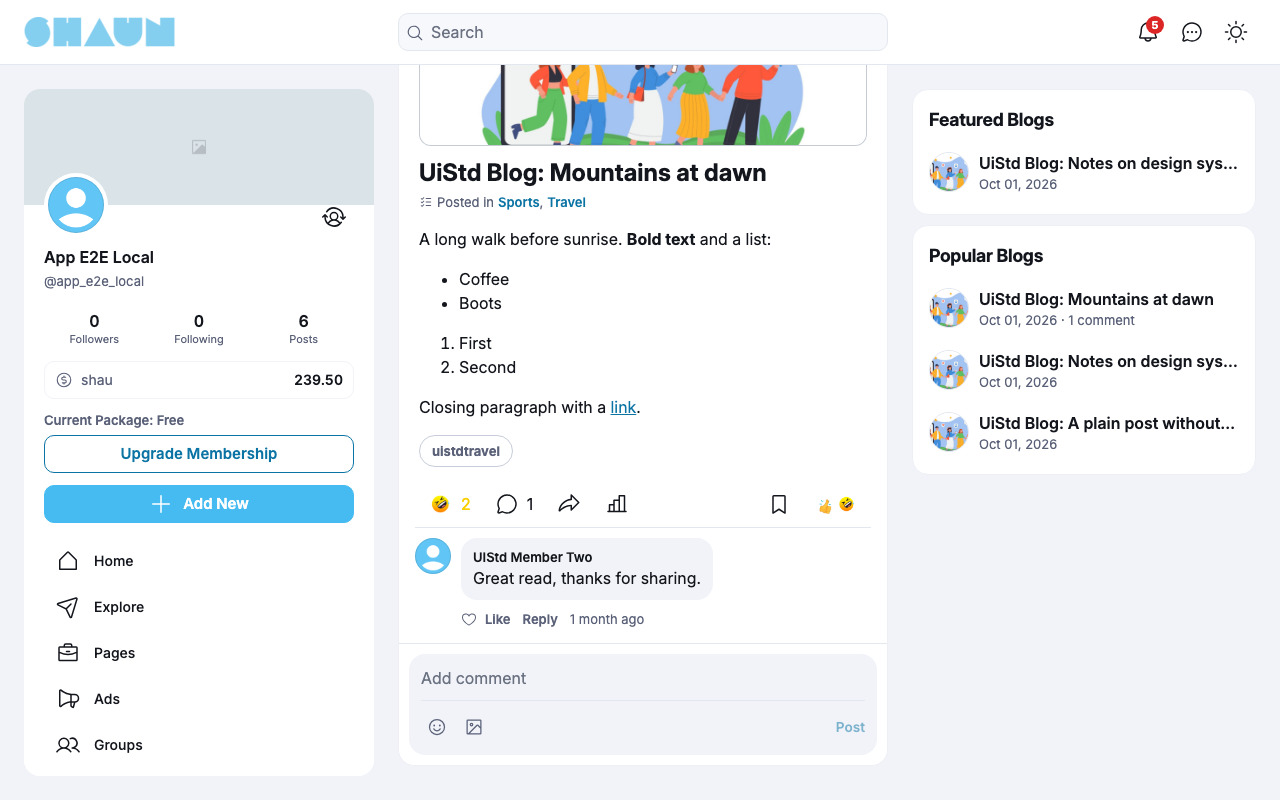
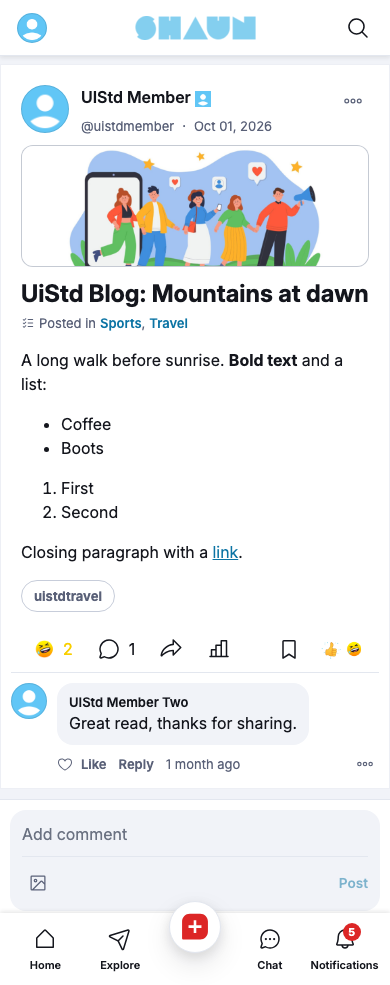
A blog's page shows the writer, the thumbnail, "Posted in" with its categories, the text and the hashtags. Below it, like the blog, comment, share it, or open its figures with the view button: Blog Analytics shows the Impressions (times the blog was seen on the site) and the Engagements (clicks on the blog, likes and comments included).
The options menu (…) offers, depending on who you are:
- Share, Report (on other members' blogs), and Turn on Notifications / Stop Notifications to follow, or stop following, new comments.
- For the writer: Edit, Delete blog, Turn off commenting / Turn on commenting, and Change Who Can Comment: Everyone, Accounts you follow, or Verified accounts (when the site uses verification).
The writer is notified when someone likes the blog ("… liked your blog.") or comments ("… commented on your blog."), and commenters when others comment after them.
Change log#
Last updated: 2026-11-19 · v1.1.0
| Date (GMT+7) | Section | What changed |
|---|---|---|
| 2026-11-19 | all | First version for Blog 1.1.0, written from the 1.1.0 code. The steps and messages were read from the code, not run. |
| 2026-11-19 | screenshots | Screenshots from a demo site running Blog 1.2.0, the next version, whose screens shown here are the same as in 1.1.0. |
| 2026-11-19 | browse, read | Phone screenshots of the Blogs page and a blog page added. |
| 2026-11-19 | all | Pages reorganised: AdminCP content now has its own pages. |