
You can customize the CSS of the ShaunSocial platform in the following 2 ways:
- Inject custom CSS into the ShaunSocial platform through the Admin Panel to override default styles without modifying core files. This allows for branding and layout adjustments by adding CSS code directly, which can be applied globally or to specific areas like headers and footers for a tailored experience.
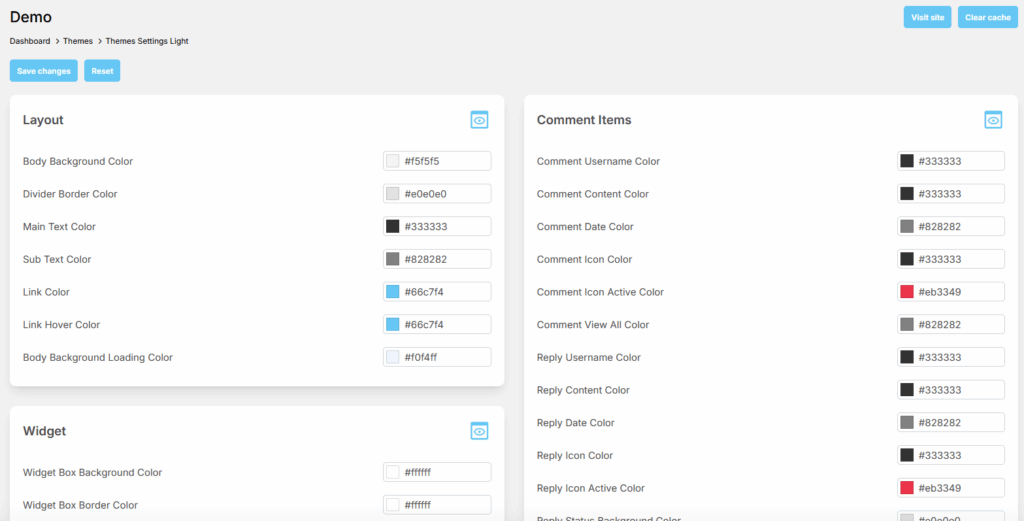
- Inject custom CSS to override defaults in ShaunSocial platform by using a new template to change widths, colors, etc. Open public/css/custom.css folder, then add CSS for global changes, or leverage the platform’s theme, often with a dedicated CSS tab, for page-specific or component-level styling.


