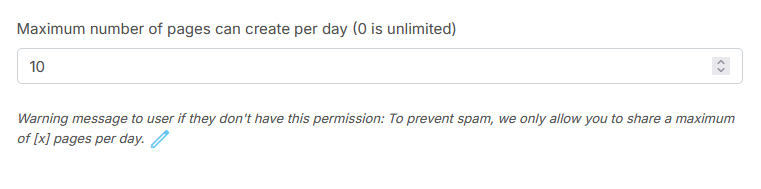
Limits on daily posts exist to prevent spam, maintain platform quality, reduce system strain, and protect users from overwhelming content, ensuring algorithms favor valuable posts and users don’t get bombarded. These limits are based on different factors.
To limit the number of posts per day
- Go to Users -> Manage User Roles.
- Click on the Permission link for the role you want
- At the Post block, input a number
- Click on the Submit button.
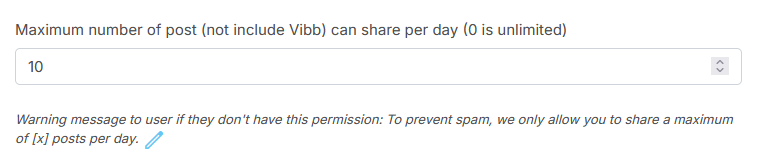
To limit the number of comments/ replies per day
- Go to Users -> Manage User Roles.
- Click on the Permission link for the role you want
- At the Post block, input a number
- Click on the Submit button
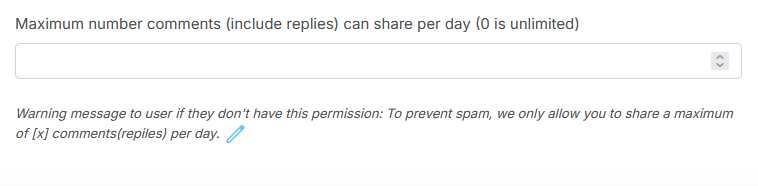
To limit the number of polls that can be created per day
- Go to Users -> Manage User Roles.
- Click on the Permission link for the role you want
- At the Post block, input a number
- Click on the Submit button
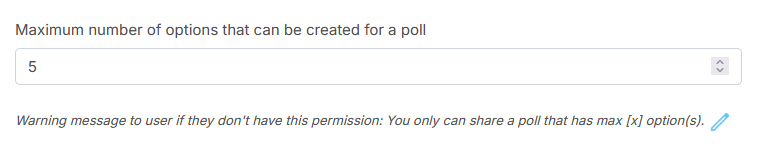
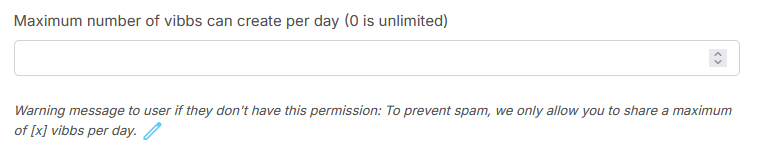
To limit the number of Vibbs that can be created per day
- Go to Users -> Manage User Roles.
- Click on the Permission link for the role you want
- At the Vibb block, input a number
- Click on the Submit button
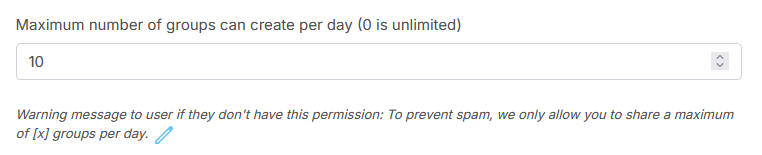
To limit the number of groups that can be created per day
- Go to Users -> Manage User Roles.
- Click on the Permission link for the role you want
- At the Group block, input a number
- Click on the Submit button
To limit the number of pages that can be created per day
- Go to Users -> Manage User Roles.
- Click on the Permission link for the role you want
- At the Page block, input a number
- Click on the Submit button