
A progressive web app (PWA) is an app that’s built using web platform technologies, but that provides a user experience like that of a platform-specific app. Like a website, a PWA can run on multiple platforms and devices from a single codebase.
- Go to the Firebase console
- Click on the Create a new Firebase project.
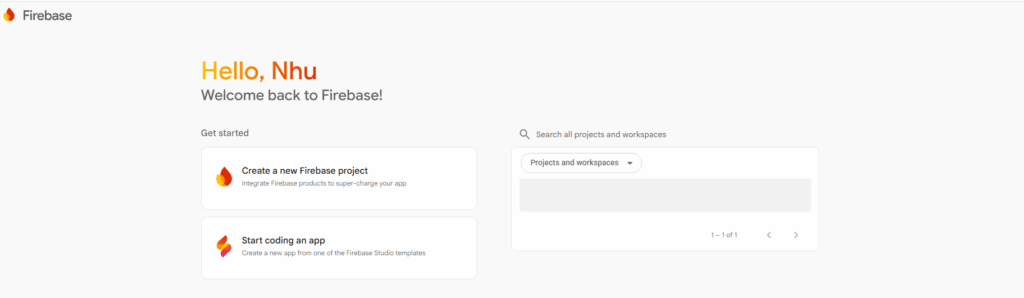
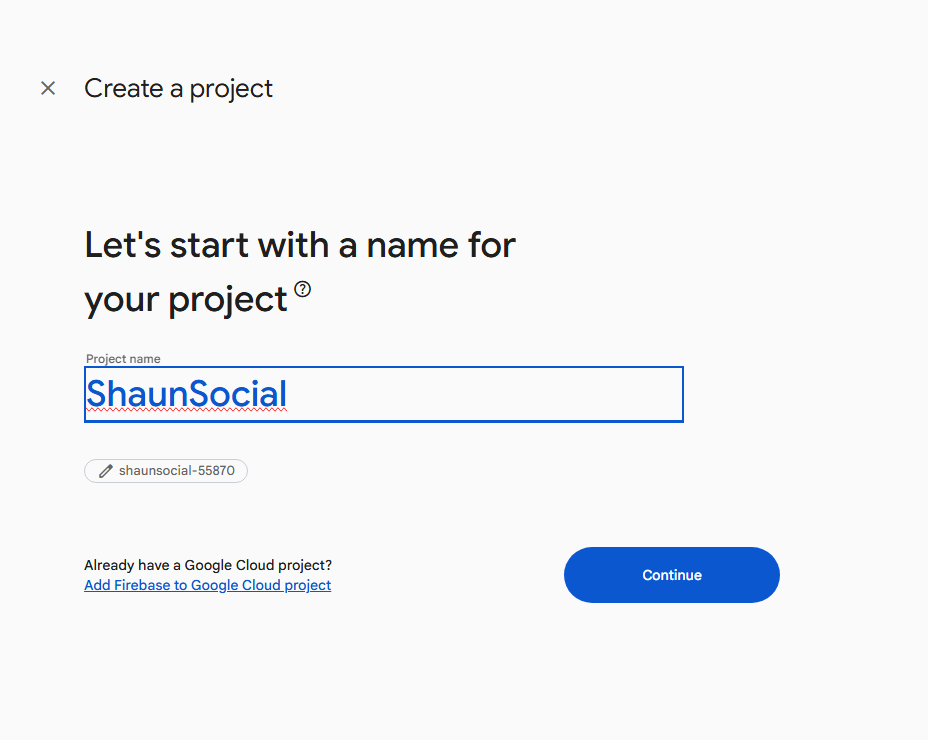
- Enter the project name -> Click on the Continue button
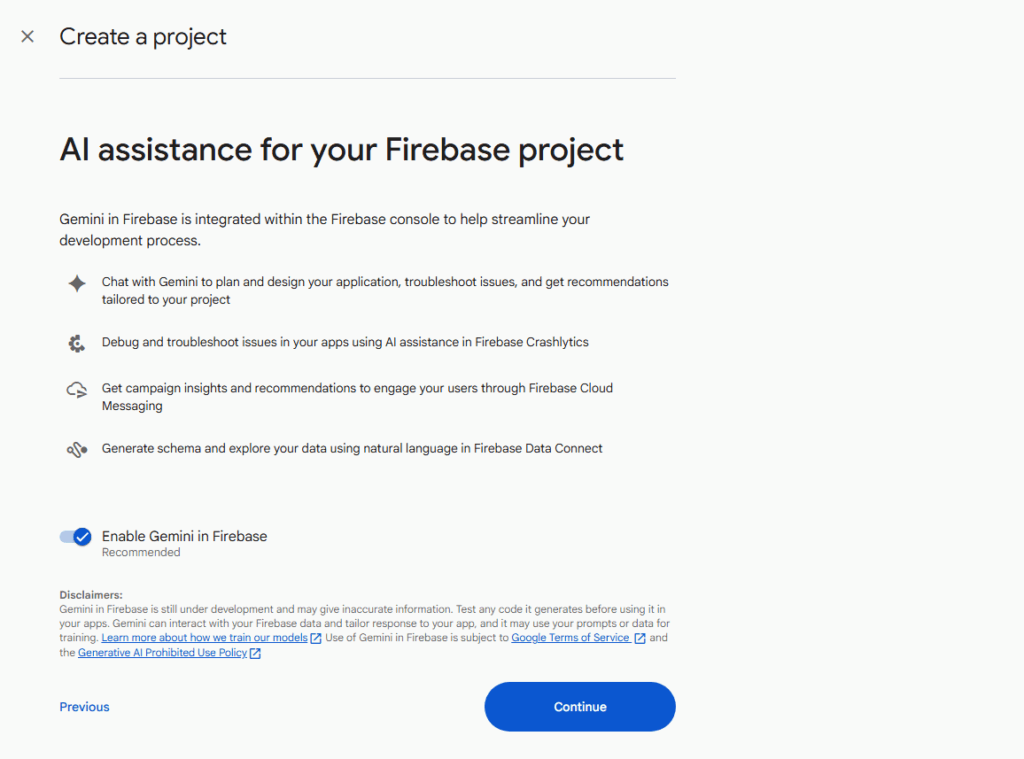
- At AI assistance for your Firebase project, click on the Continue button.
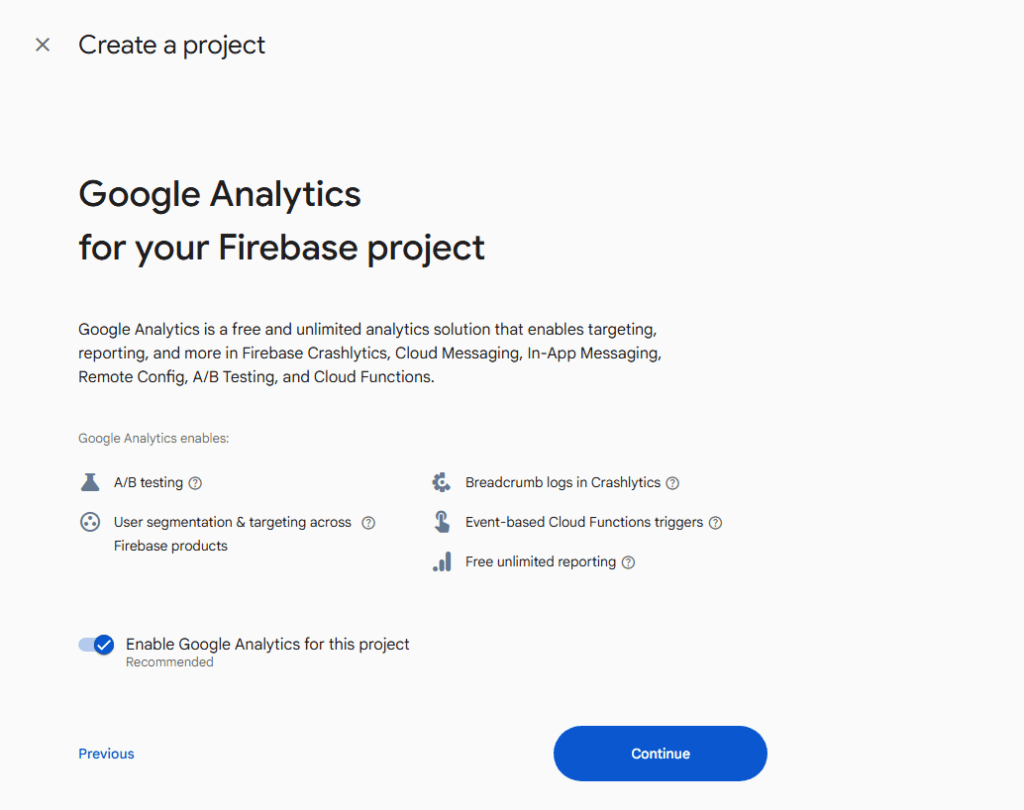
- At Google Analytics for your Firebase project, click on the Continue button.
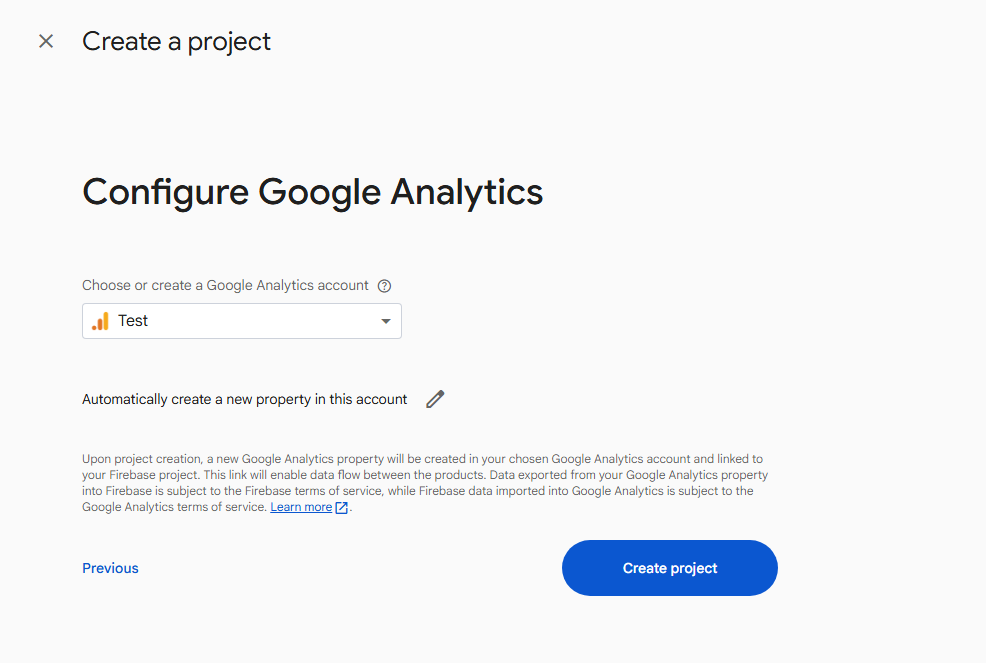
- Choose or create a Google Analytics account.
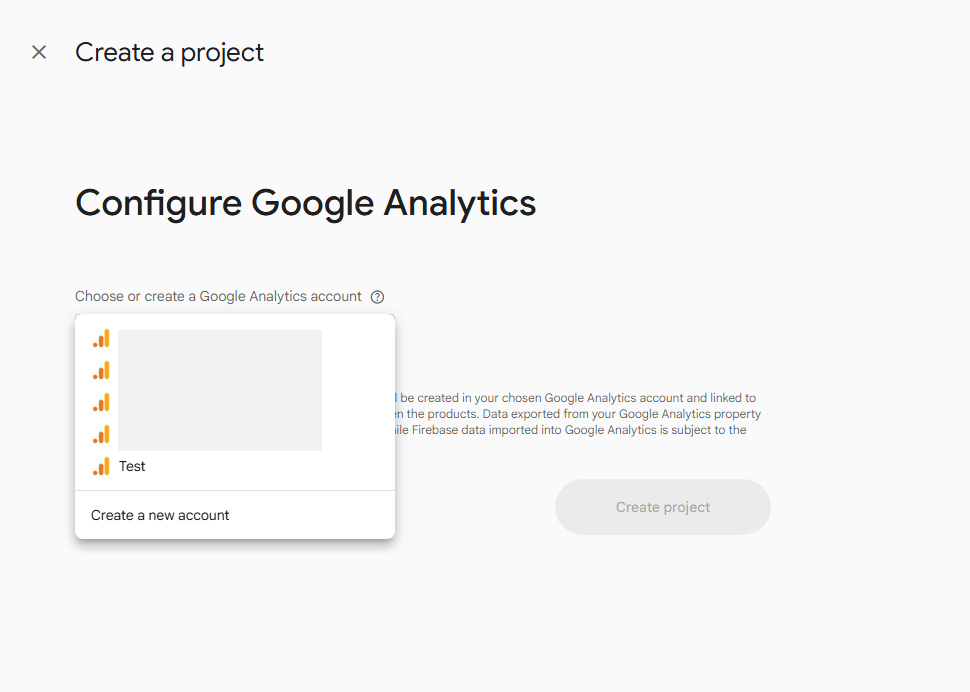
- Click on the Create project button.
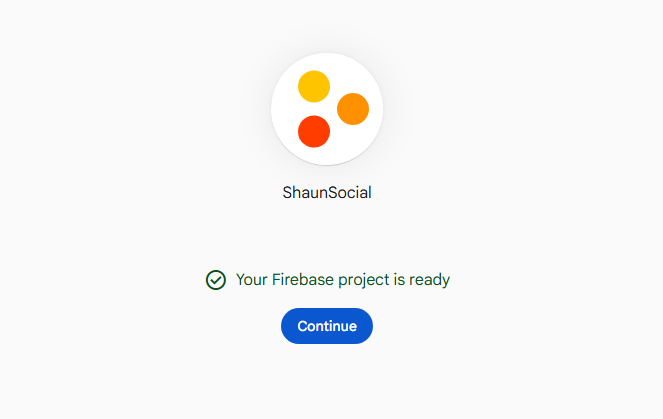
- Click on the Continue button.
3. Once your project is created, you’ll be redirected to the project dashboard.
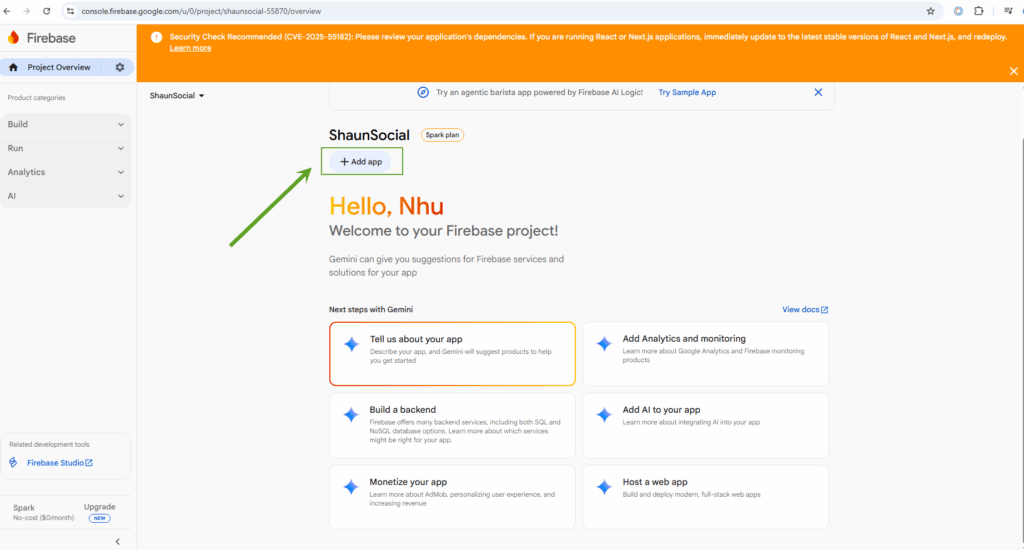
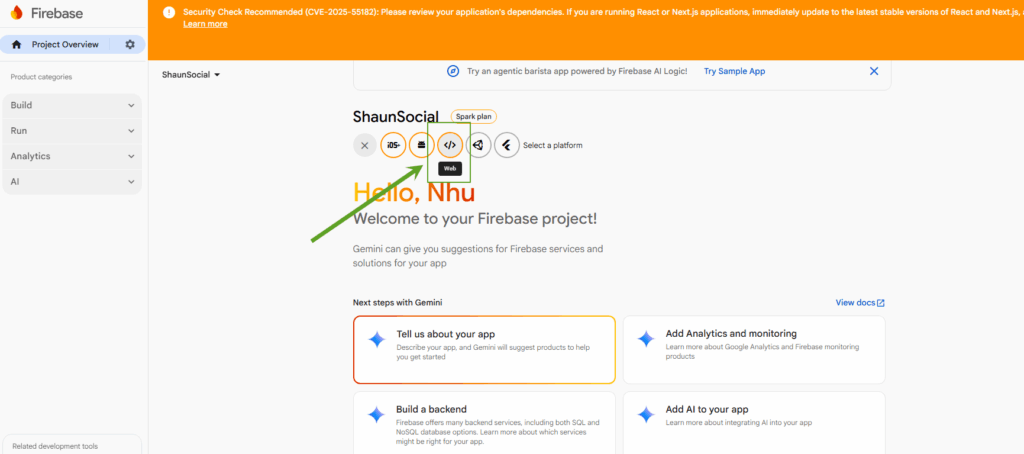
- Click on the Add app, then select the Web options.
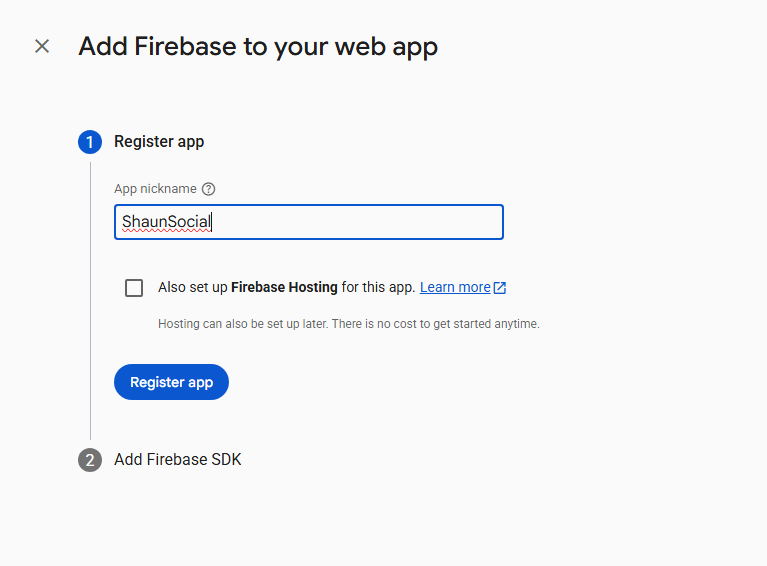
- Input App nickname, then click on the Register app button.
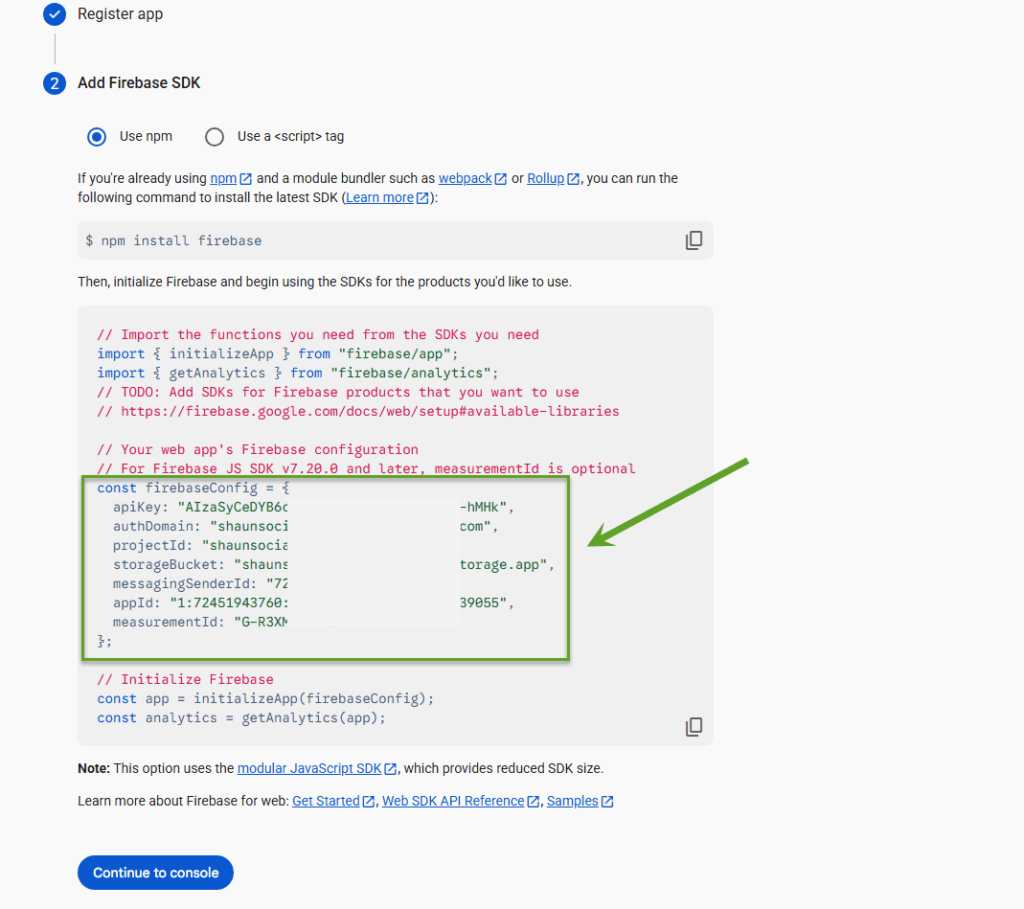
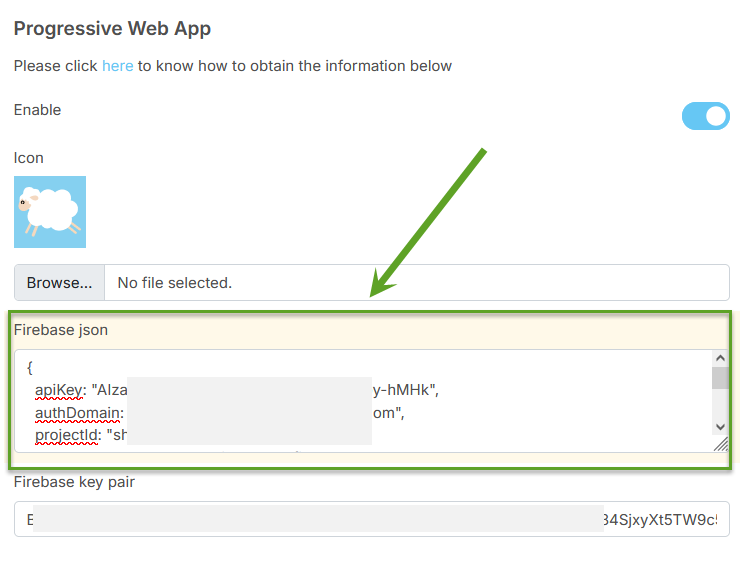
- Copy the firebaseConfig from “{” to “}” and paste it into the “Firebase json” in the admincp. Then click on the Continue to console button.
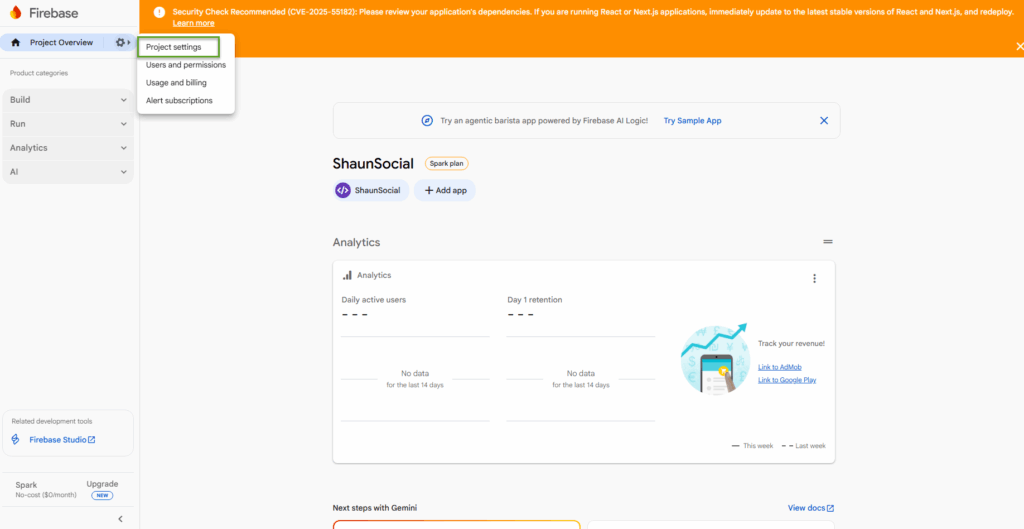
- At the project dashboard, click on the Project Overview, then click on the Project Settings.
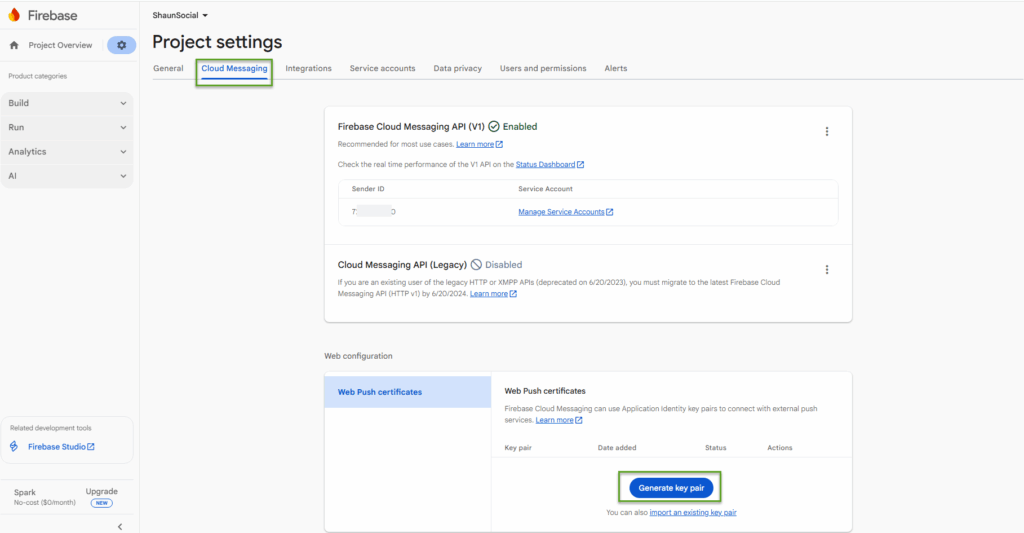
- Select the Cloud Messaging tab, then click on the Generate key pair button.
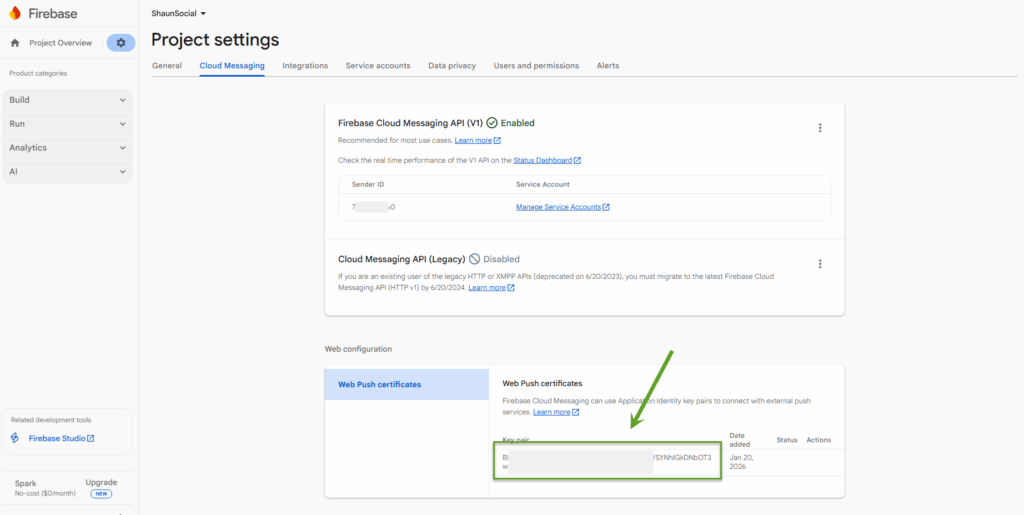
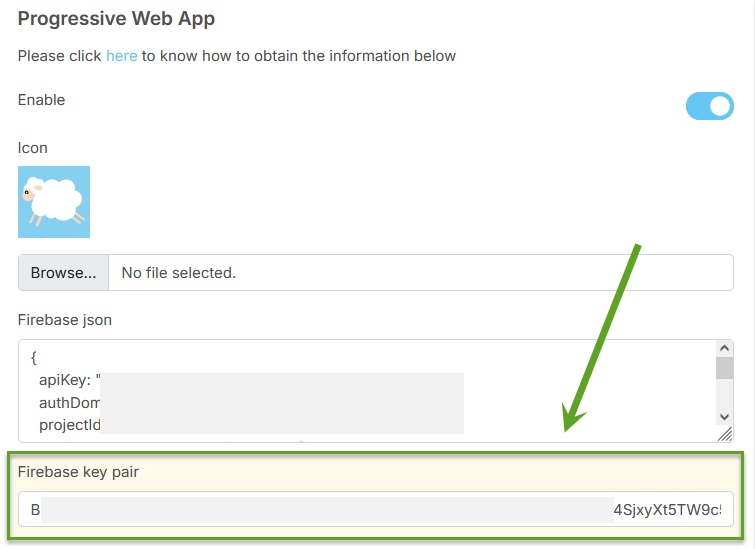
- Copy this key and paste it into the “Firebase key pair” in the admincp.
- Go to the Service accounts tab, click on the Generate new private key button.
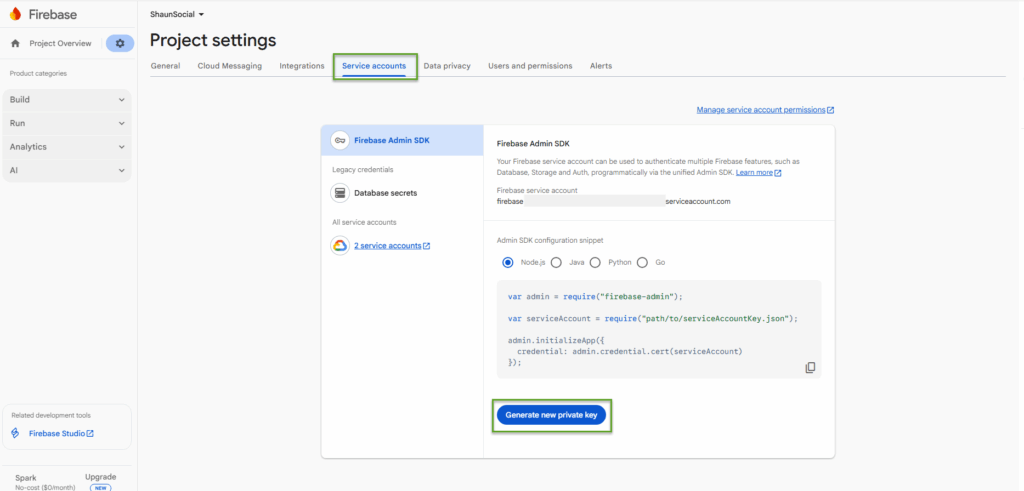
- Click on the Generate key button, and it will download a file for you. Rename this file to “firebase.json”, then upload it to the root folder (folder that you installed your shaunSocial site) .


