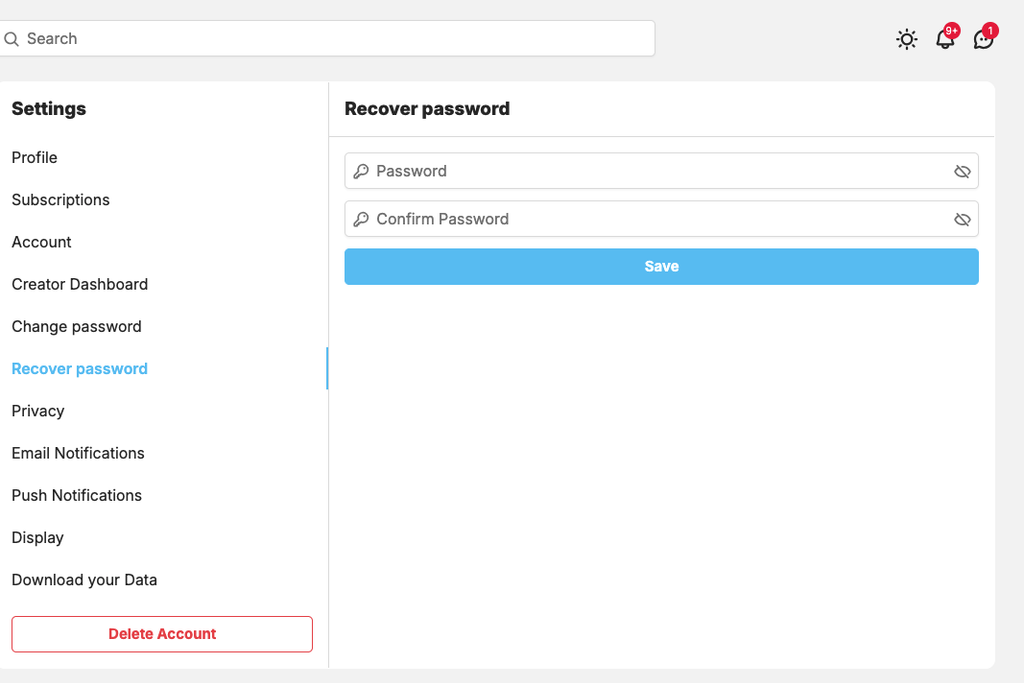
For security purposes, ShaunSocial requires members to verify their identity by entering their account password before completing payments through the eWallet.
Members who register using social login (OpenID) may not have a password set for their account. In this case, they can create a password directly from the password verification popup.
When the password verification popup appears:
- Click Forgot Password.
- Log in using the social login provider associated with the account.
- Follow the instructions to reset and create a password.
- Once the password has been created, the member can use it to complete the eWallet payment.
- The new password can also be used to log in to ShaunSocial directly using the member’s email address and password.
This allows members who originally registered through social login to securely set a password and continue using all payment features that require password verification.
Below are screenshot that show you how to do this
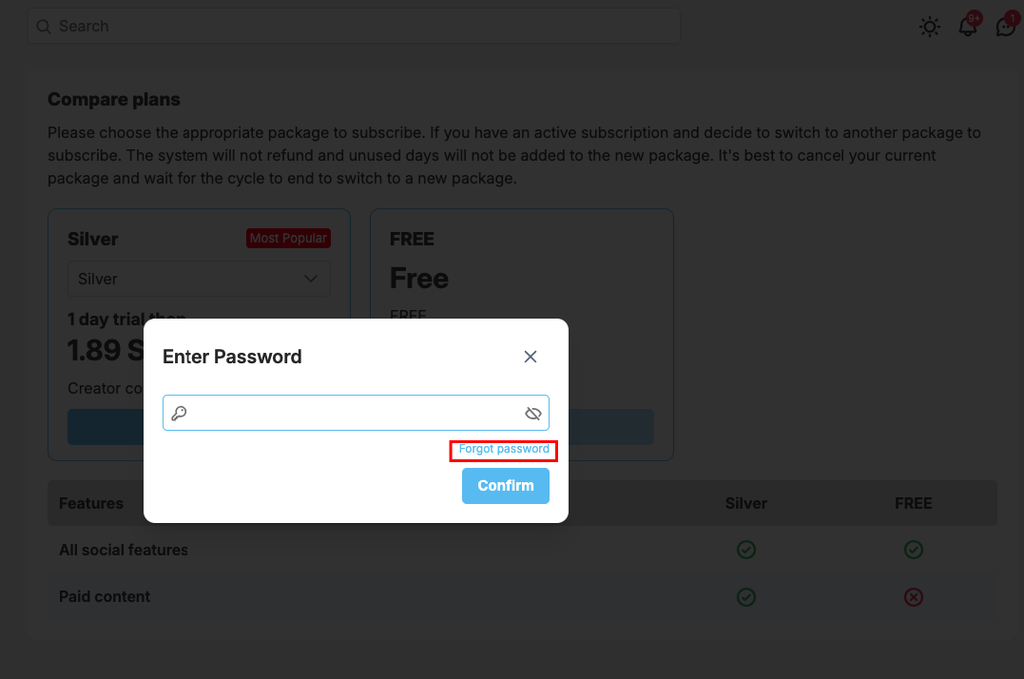
Click on “Forgot password” inside “Enter password” poup
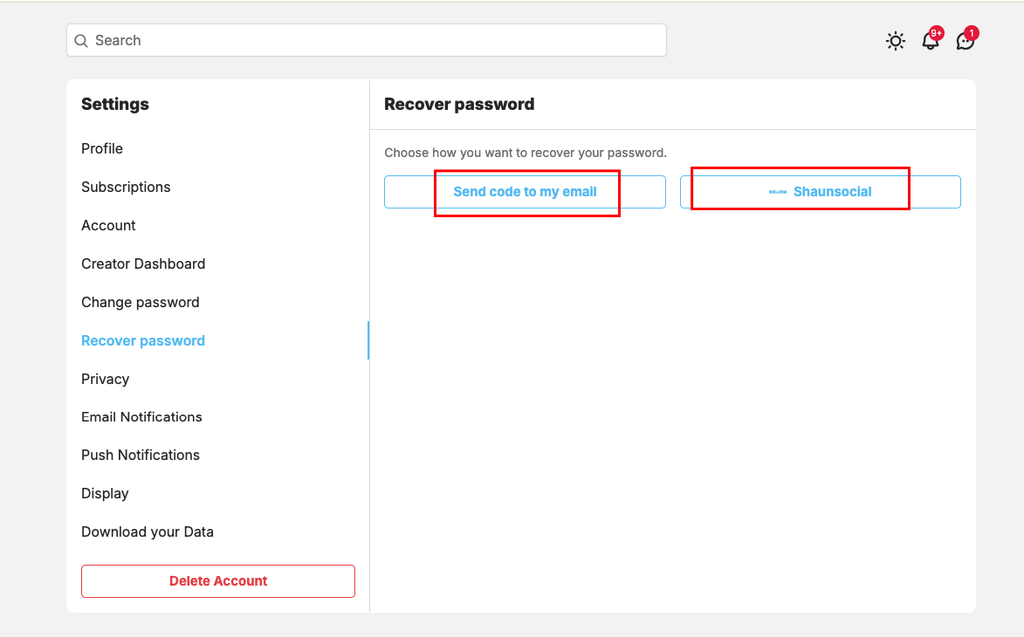
System will redirect you to page to recover the password. Click on send code to email or login using social login
Then enter the new password to complete the password recovering process.