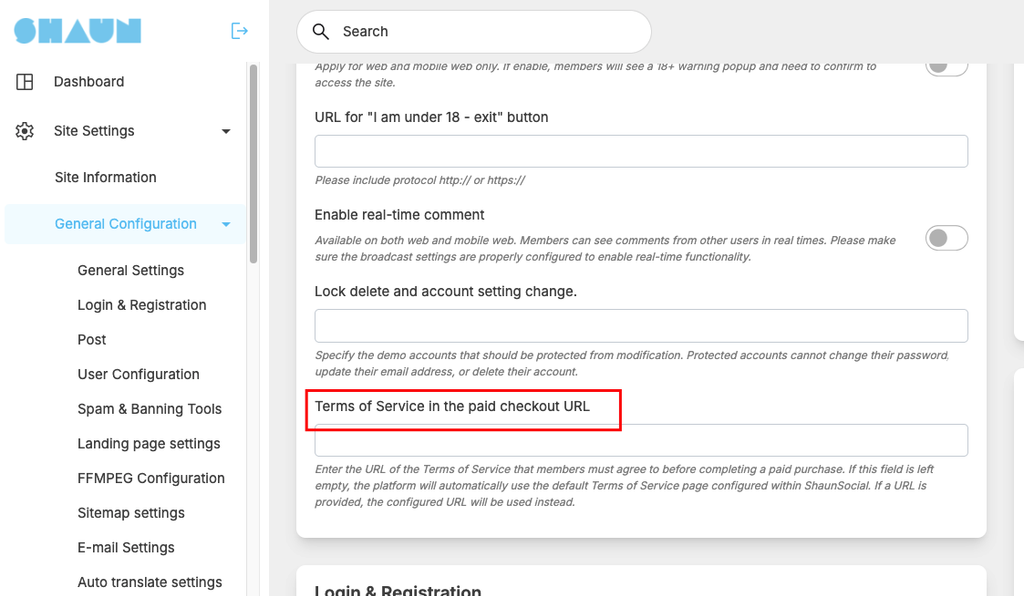
ShaunSocial allows administrators to configure the Terms of Service URL that members must agree to before completing a paid purchase.
This feature gives administrators the flexibility to use either the platform’s default Terms of Service page or a custom Terms of Service page hosted at another URL.
When configuring the setting:
- If the Terms of Service URL is left empty, ShaunSocial will automatically use the default Terms of Service page configured within the platform.
- If a custom URL is entered, ShaunSocial will use the configured URL instead.
The Terms of Service will be displayed to members during the paid checkout process, allowing them to review and agree to the terms before completing their payment.
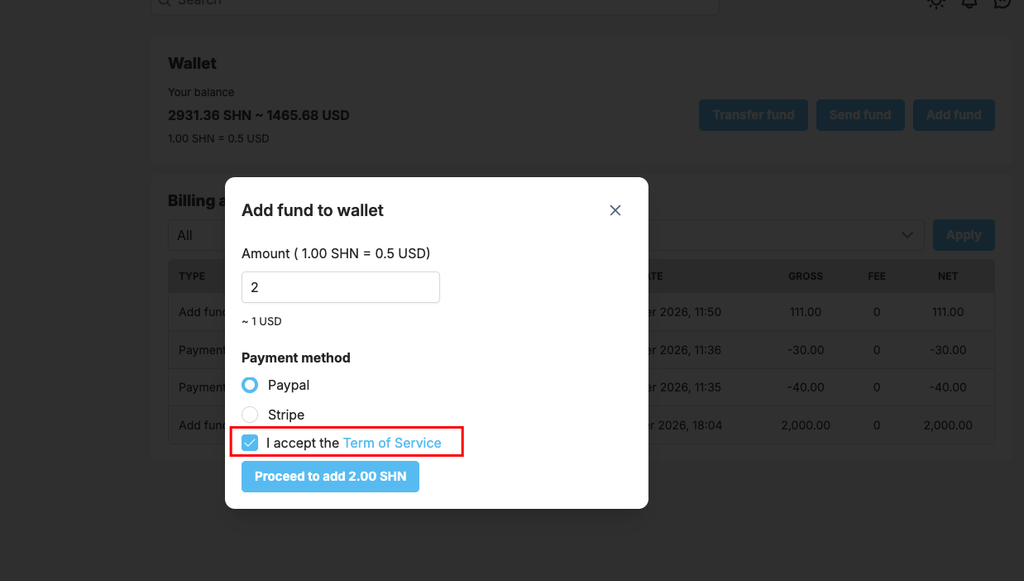
The following screenshot explains how administrators can configure the Terms of Service URL in the AdminCP.
Go to admincp -> Site settings -> general configuration